

AV Solutions by Application
Conference Room AV Systems
A conference room system usually has to do two jobs: let people in the room share content on a large display, and let remote participants see and hear the meeting clearly. Room size, seating layout, and which meeting platform you use drive most of the equipment choices.
Smaller rooms are often served by an all-in-one video bar under the display. Larger or wider rooms typically separate the parts — a PTZ camera, ceiling or tabletop microphones, a DSP, and dedicated speakers — so coverage can be extended to every seat.
Typical System Components
The building blocks most systems of this type use, with products to compare in each category.
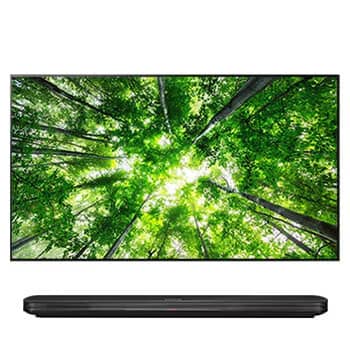
Commercial Displays
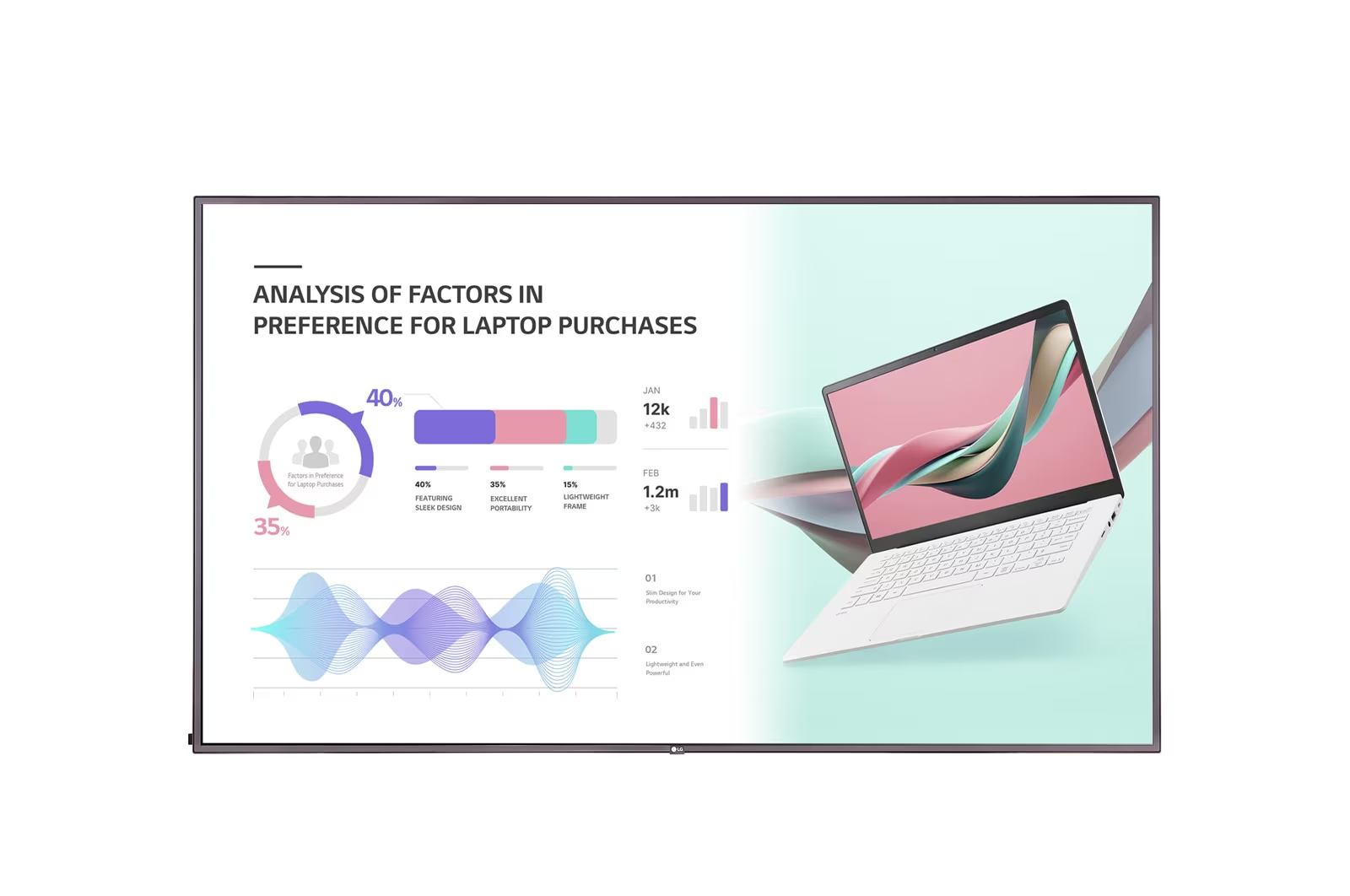
Commercial-grade displays are designed for longer daily operating hours than consumer TVs. Size the screen so text is readable from the farthest seat.


Video Bars & PTZ Cameras
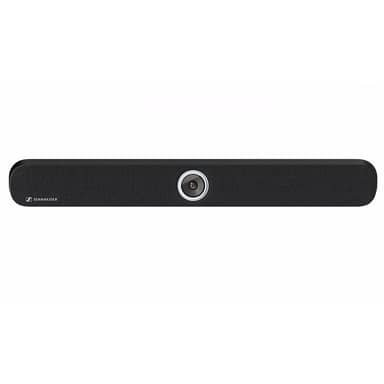
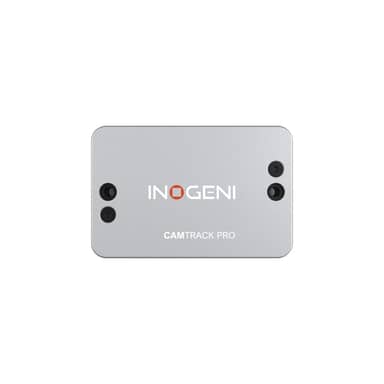
Video bars combine camera, microphones, and speakers in one unit for small and mid-size rooms; PTZ cameras add optical zoom and framing control for larger spaces.

Conferencing Audio
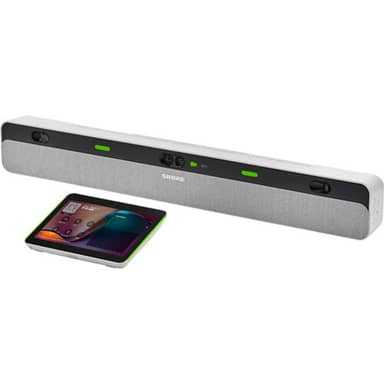
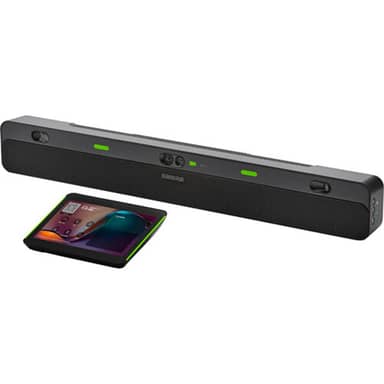
Microphone pickup is usually what remote attendees notice first. Ceiling, tabletop, and soundbar-style systems differ mainly in coverage area and installation effort.


Wireless Presentation
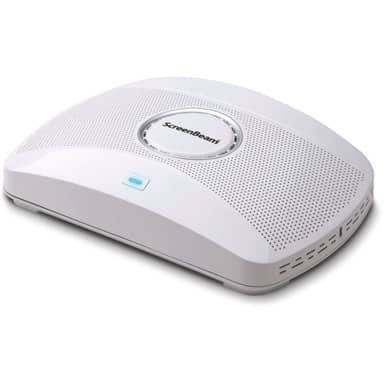
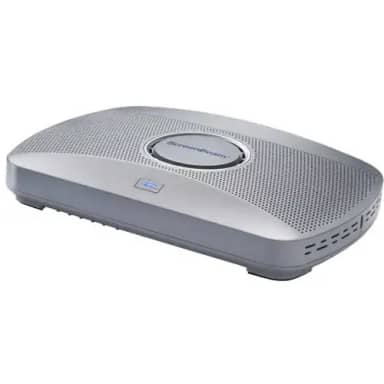
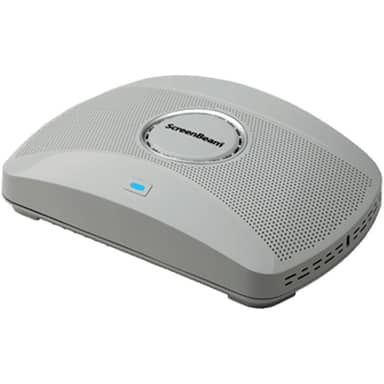
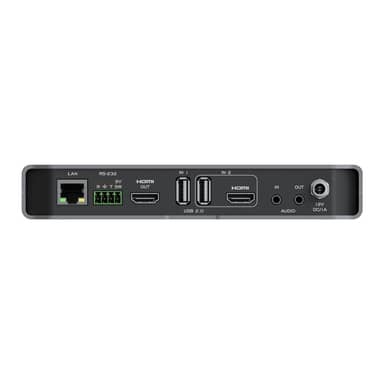
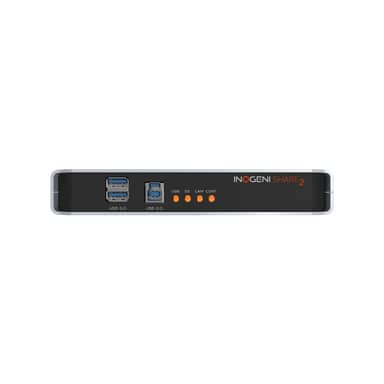
Wireless presentation systems let guests share a laptop or phone screen without hunting for the right cable or adapter.

Switching & Control
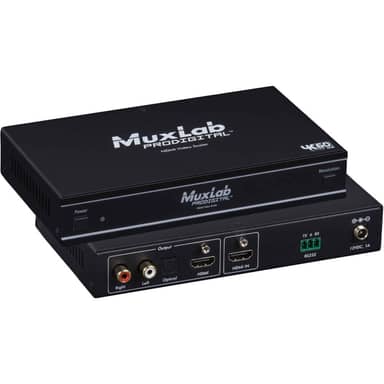
Presentation switchers, scalers, and touch panels route sources to the display and give users one simple place to start a meeting.
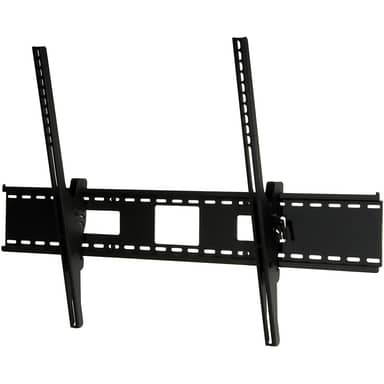
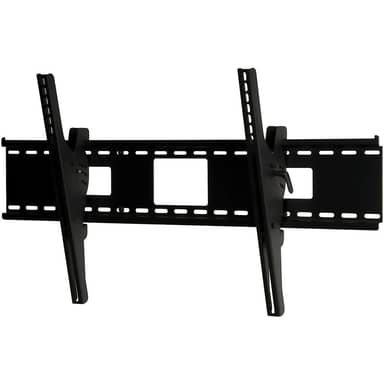
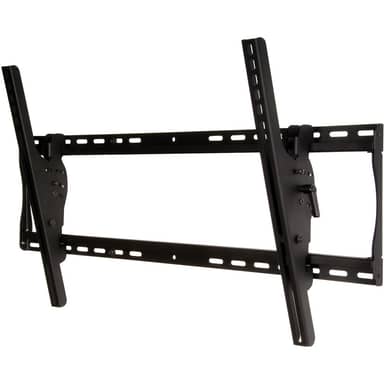
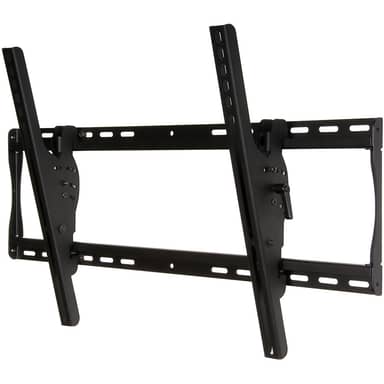
Display Mounts
Check the display’s VESA pattern and weight, and the wall construction, before choosing a fixed, tilting, or full-motion mount.
Frequently Asked Questions
What equipment does a typical conference room need?
Most rooms combine a display, a camera, microphones and speakers (separate or in a video bar), a way to connect or wirelessly share a laptop, and a mount or stand. Larger rooms often add a DSP, extra microphones, and a control panel.
Is a video bar enough, or do I need separate components?
Video bars are typically designed for small to mid-size rooms where people sit within the bar’s microphone and camera range. Long tables, wide rooms, or rooms that are also used for presentations usually benefit from separate cameras and microphones. Check the manufacturer’s recommended room size for any model you consider.
How do I choose the right display size for a meeting room?
A common rule of thumb is that the farthest viewer should sit no more than about four to six times the screen height away for detailed content like spreadsheets. Rooms that mostly show video calls can use the upper end of that range.
Will this equipment work with Microsoft Teams or Zoom?
Many USB cameras, microphones, and video bars work with common meeting platforms as standard USB devices, while certified room systems are tested for a specific platform. Check each product’s listing and the manufacturer’s compatibility information for your platform.