

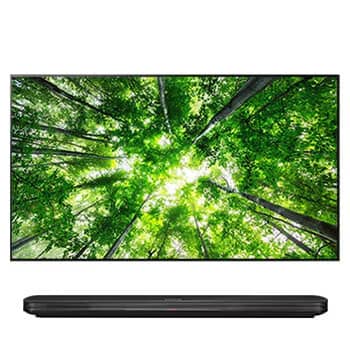
AV Solutions by Application
Digital Signage Systems
Digital signage replaces printed posters and menus with screens that can be updated remotely. A basic sign is a display, something to play content (a media player or the display’s built-in system), and a mount.
Brightness and duty cycle matter more for signage than for most other uses: screens near windows or outdoors need higher brightness, and signs that run all day should be rated for extended operating hours.
Typical System Components
The building blocks most systems of this type use, with products to compare in each category.
Signage Displays
Commercial displays rated for extended daily operation. Many include a built-in player for simple playlists.



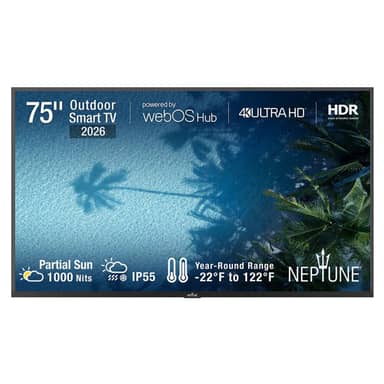
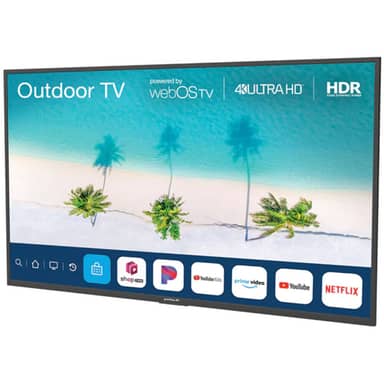
Outdoor Displays
Outdoor displays are sealed against weather and offer higher brightness ratings for partial or full sun.


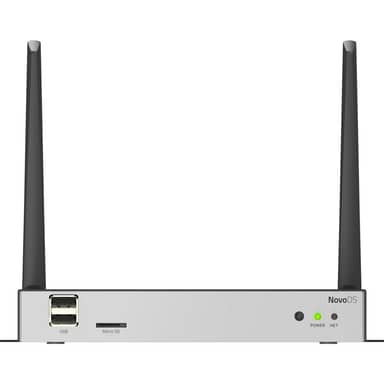
Media Players
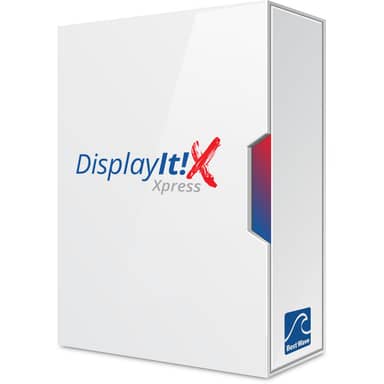
Dedicated signage players run scheduled content reliably and are typically managed through the player maker’s or a third-party CMS.


Mounts & Stands
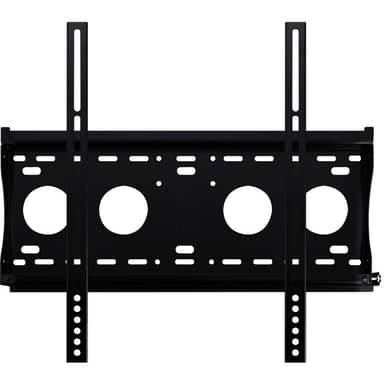
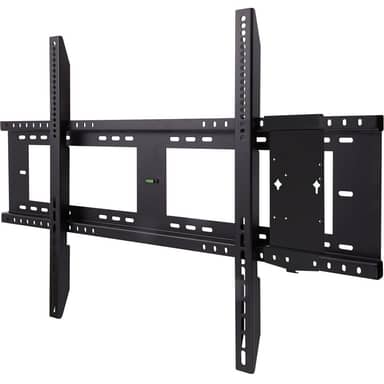
Choose fixed or tilting wall mounts, floor stands, or carts based on placement and whether the screen is landscape or portrait.


Signal Distribution
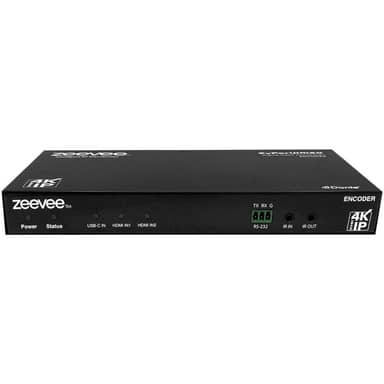
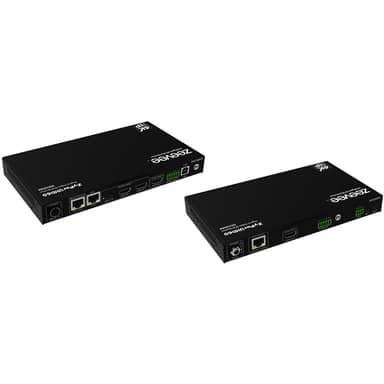
AV-over-IP and HDBaseT products send one or several sources to screens across a building.

Frequently Asked Questions
Can I use a regular TV for digital signage?
Consumer TVs can work for light use, but commercial displays are generally rated for longer daily operation, offer portrait mounting and remote management, and often have higher brightness. Check the manufacturer’s duty-cycle rating for the hours you plan to run.
Do I need a separate media player?
Many commercial displays include a built-in player that handles simple playlists. A separate player is useful for more complex scheduling, interactive content, or when you want the same software across different display models.
How bright should a signage display be?
Indoor signage away from windows commonly uses displays around 350 to 500 nits. Window-facing and outdoor screens need substantially higher brightness to stay readable in sunlight; outdoor models are often rated for partial or full sun.