
Commercial Displays for Conference Rooms and Digital Signage: Buyer Guide
A commercial display has to earn its place after day one. Conference rooms need shared content people can read. Lobbies need signage that stays dependable. Public spaces need hardware you can mount, service, and control without babysitting it. This guide compares several in-stock AudioVideoNation options and shows how to match display size, room use, and content needs before you buy.
Product Images
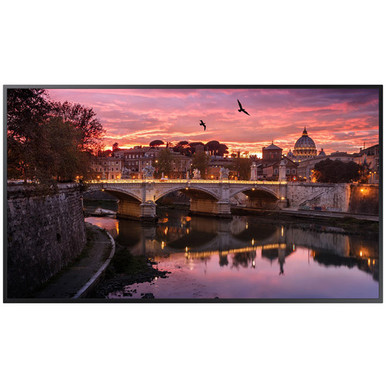
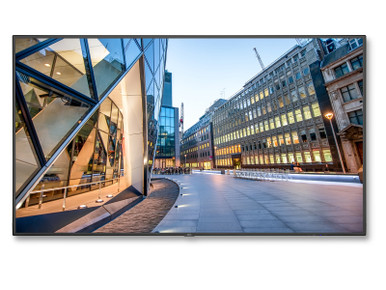
Quick Picks
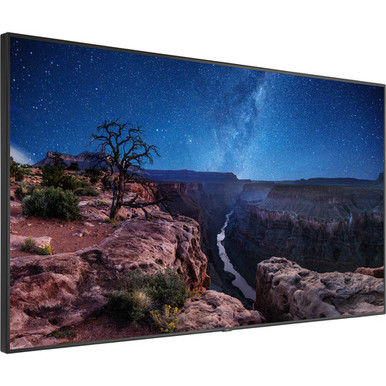
- V984Q-PC4: NEC V984Q-PC4 MultiSync 98" Class 4K UHD Commercial LED Display with Internal Digital Signage OPS PC – Large conference rooms, boardrooms, and lobby signage where a very large screen and integrated signage computer can simplify the install.
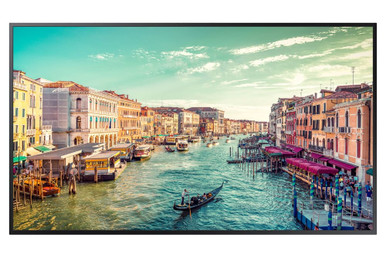
- QM55R-BL: Samsung QM55R-B 55" 4K Smart Multisystem LED Commercial Display – Small and mid-size meeting rooms, reception displays, and departmental signage.
- QB49R: Samsung QB49R 49'' HDR 4K UHD Commercial Smart LED Display – Compact conference rooms, office dashboards, and smaller digital signage placements.
- C651Q: NEC C651Q 65" 4K UHD Commercial Display – Training rooms, medium conference rooms, and signage locations that need a 65-inch display.
How to Choose
Start with the room. Not the spec sheet. Check viewing distance, ambient light, mounting limits, source devices, control needs, and the person or team maintaining the system after install. Then measure each product against those needs instead of buying by screen size or headline resolution alone.
Match Display Size to the Viewing Job
The right screen size comes down to what people have to read. A lobby video loop works from farther back than a spreadsheet, dashboard, CAD drawing, or meeting-room agenda. In a boardroom or training room, text has to hold up from the back row. For digital signage, think about dwell time. A hallway viewer may glance for two seconds. A reception area can carry more detail.
Plan Around Content and Control
Before you pick hardware, decide how content gets to the display. A meeting room may need HDMI, USB-C, wireless presentation, or a room PC. A signage screen may need an internal player, an external media player, or a network-based content system. The NEC V984Q-PC4 stands out because its product name lists an internal digital signage OPS PC. Check the other options against the source device or signage platform you plan to use.
Installation Details That Affect the Budget
Commercial display projects often expand past the screen. Mounts, in-wall backing, cable paths, power relocation, control, audio, and after-hours labor can matter just as much as the display. Large models like the NEC V984Q-PC4 need extra planning for delivery and wall support. Smaller models like the Samsung QB49R or QM55R-B are easier to roll out across several rooms, but they still need a clean mounting and signal plan.
When to Standardize Across Rooms
If you’re outfitting several conference rooms or signage points, standardize where you can. Pick one size for huddle rooms, one for standard conference rooms, and one large-format display for executive or public-facing spaces. Spare mounts, media players, remotes, and support notes become much easier to manage.
Product Notes
NEC V984Q-PC4 MultiSync 98" Class 4K UHD Commercial LED Display with Internal Digital Signage OPS PC
The NEC V984Q-PC4 is the strongest fit here for oversized presentation spaces, command-style rooms, and high-impact signage. It pairs a 98-inch class display with an internal signage OPS PC.
Best for: Large conference rooms, boardrooms, and lobby signage where a very large screen and integrated signage computer can make the install simpler.
- 98-inch class 4K UHD commercial LED display listed in the catalog name
- Internal digital signage OPS PC can reduce the need for a separate external player
- Commercial display format suits mounted business environments
- Best considered where wall space, power, and service access have already been confirmed
- Verify current price, lead time, and accessories on the product page before ordering.
What to consider: This is a large display. Verify wall structure, delivery path, mount compatibility, power placement, and whether the internal OPS PC fits your signage software requirements.
Samsung QM55R-B 55" 4K Smart Multisystem LED Commercial Display
The Samsung QM55R-B is a practical mid-size commercial display for huddle rooms, small conference rooms, menus, and information signage where 55 inches fits better than a screen that takes over the wall.
Best for: Small and mid-size meeting rooms, reception displays, and departmental signage.
- 55-inch class 4K smart commercial display listed in the catalog name
- A more manageable size for rooms with limited wall width
- Good candidate when a single screen needs to show dashboards, schedules, or presentation content
- Commercial display positioning makes it more appropriate than a consumer TV for business use
- Verify current price, lead time, and accessories on the product page before ordering.
What to consider: Confirm input needs, mounting hardware, control expectations, and whether the smart platform supports the content workflow your team plans to use.
Samsung QB49R 49'' HDR 4K UHD Commercial Smart LED Display
The Samsung QB49R gives buyers a slightly smaller 4K commercial display for compact signage zones, office information boards, and rooms where a 55-inch screen is too large.
Best for: Compact conference rooms, office dashboards, and smaller digital signage placements.
- 49-inch class HDR 4K UHD commercial smart LED display listed in the catalog name
- Fits spaces where a larger display could overwhelm the wall or viewing distance
- Useful for single-screen signage, room schedules, or shared business content
- Can be easier to standardize across smaller rooms
- Verify current price, lead time, and accessories on the product page before ordering.
What to consider: Make sure the screen is large enough for the farthest viewer. If people need to read detailed spreadsheets or dashboards, a larger model may be the better call.
NEC C651Q 65" 4K UHD Commercial Display
The NEC C651Q is a balanced 65-inch 4K commercial display when the room needs more presence than a 49- or 55-inch screen but doesn’t need a 98-inch installation.
Best for: Training rooms, medium conference rooms, and signage locations that need a 65-inch display.
- 65-inch 4K UHD commercial display listed in the catalog name
- A useful middle ground for mixed presentation and signage work
- Suitable for teams that want a larger screen without jumping to very large format logistics
- Pairs well with a separate media player or room source when needed
- Verify current price, lead time, and accessories on the product page before ordering.
What to consider: Check the final content workflow. This listing does not indicate an integrated signage computer in the product name.
Buying Checklist
- Confirm dimensions, mounting pattern, power location, cable pathway, and service access before approving the order.
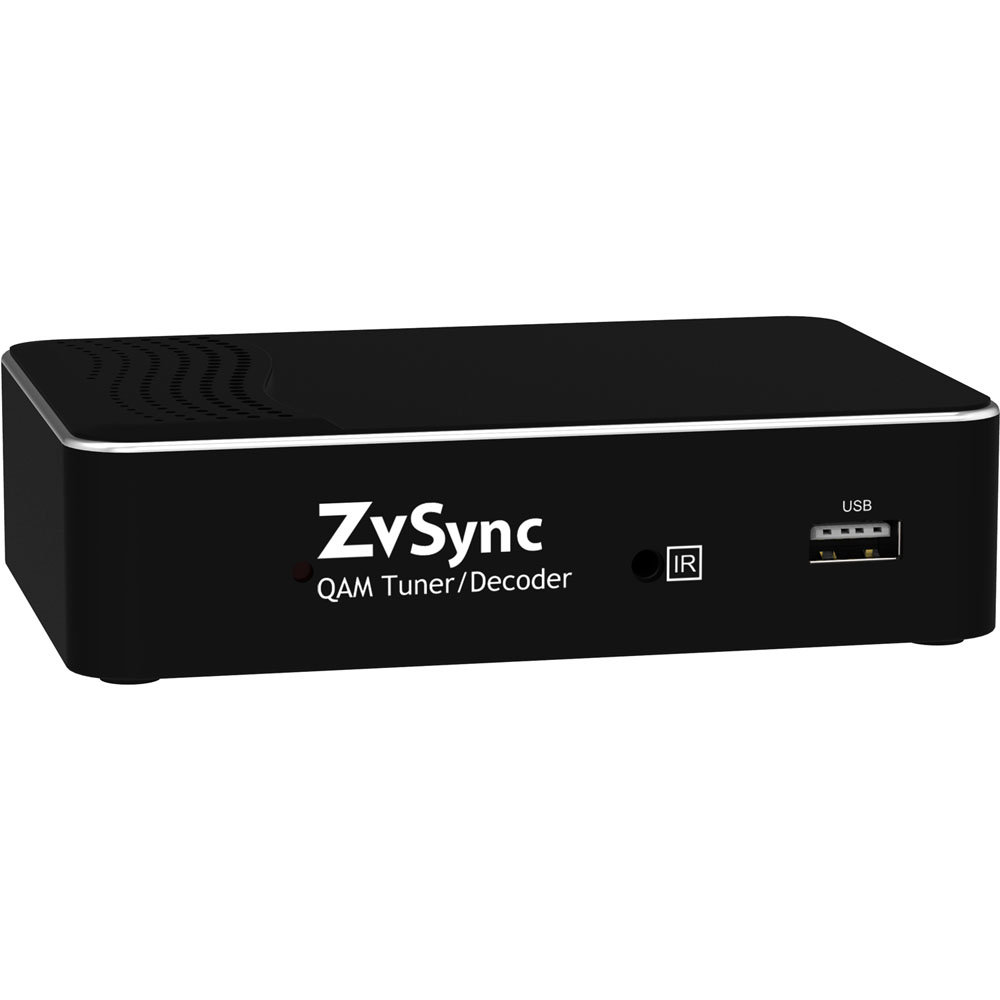
- Check whether the room needs a display, projector, tuner, control interface, mount, speakers, or collaboration device in the same purchase.
- Review product-page availability before quoting an install date, especially for multi-room or multi-campus projects.
- Ask whether open-box or used inventory is acceptable; it can fit some budgets but needs closer condition review.
FAQs
Should a business use a commercial display instead of a consumer TV?
For conference rooms and signage, a commercial display is often the safer direction because it’s sold for mounted business use and ongoing operation. Still, verify duty cycle, warranty terms, brightness, and control features on the product page.
What size display works for a conference room?
The right size depends on room depth and content detail. Smaller rooms may work with 49 or 55 inches. Training rooms and boardrooms often benefit from 65 inches or larger.
Do all commercial displays include signage software?
No. Some displays may include smart features or an internal signage PC. Others need a separate media player or room computer. Confirm the content workflow before buying.
What should I verify before ordering a large display?
Check wall structure, mount compatibility, delivery path, power location, signal cabling, source devices, and who will service the display after installation.