

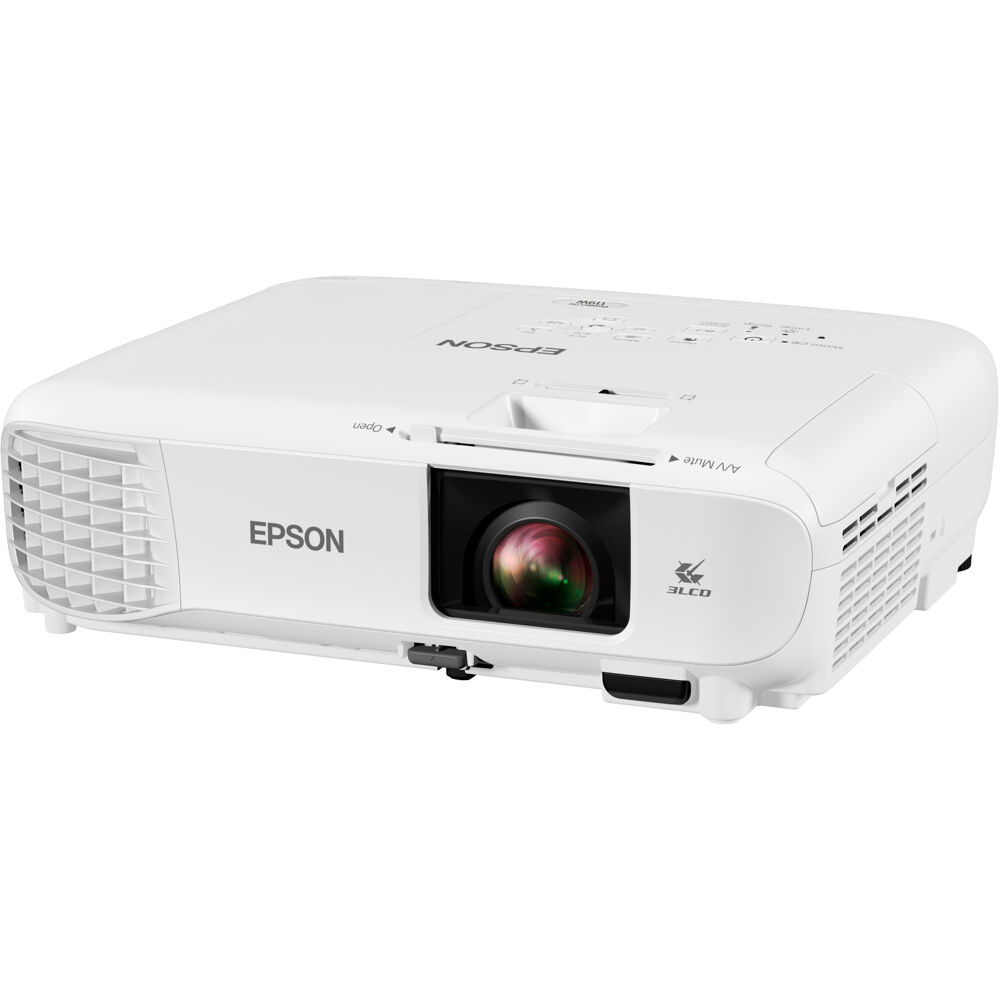
A classroom projector purchase starts with the room: what people need to read, how far they sit from the screen, and where the projector can go. The Epson PowerLite 119W is worth considering for lesson slides, training decks and everyday meeting-room presentations. Check the AudioVideoNation product page for current pricing and availability.
What the PowerLite 119W offers
Epson specifies 4,000 lumens of both color and white brightness, 3LCD projection and native WXGA resolution of 1280 × 800. The image has a 16:10 aspect ratio. Dual HDMI inputs let you connect two compatible sources, such as a laptop and a document camera, without swapping the same cable for every presentation.
Choose it around the content you show
For a training room, start with a sample of the actual slide deck. A large title on a plain background and a spreadsheet full of small numbers ask very different things of a display. Check text size from the furthest seat before committing to a screen size.
The 119W is a native WXGA projector, not a native Full HD or 4K model. If detailed drawings or dense spreadsheets dominate your work, compare a higher-resolution projector as part of the selection process. For everyday slides and classroom material, the 119W offers a straightforward set of presentation features.
Check placement before ordering
The published throw ratio is 1.30–1.56:1, with 1.2× optical zoom. As a planning example, a 100-inch diagonal 16:10 image is about 84.8 inches wide. Multiplying that width by the throw ratio gives an approximate lens-to-screen distance of 9.2–11.0 feet. This is a calculation from the published ratio, not a final installation specification: confirm the exact distance in Epson’s calculator before choosing a mount.
Measure the room and identify light falling directly onto the screen. Brightness alone cannot compensate for every screen size or lighting condition. Also account for cable routing, access for maintenance and the presenter’s position.
Plan for connection and maintenance
The projector uses a replaceable lamp. Epson rates lamp life at up to 17,000 hours in ECO mode; actual life depends on mode, use and environment, and brightness decreases over time. Wireless LAN requires an optional module sold separately. Do not assume wireless accessories are included with the projector.
Get the right setup for your room
Have your screen size, approximate mounting distance and laptop connections ready when requesting help. If you are equipping several rooms, include the quantity and required delivery date so the quote can reflect the complete project.
Shop the Epson PowerLite 119W at AudioVideoNation or ask about your room and quantity requirements.
Product specifications: Epson PowerLite 119W manufacturer specifications. Current product-page pricing and availability apply.