

Ultra Short Throw Projector Buying Guide: What Matters Most
An ultra short throw projector is the right choice when you want a very large image without suspending hardware over the room or leaving a projector behind the seating area. The projector sits on a console close to the wall, which shortens cable runs and reduces the chance that someone will walk through the beam. The tradeoff is that placement is unusually sensitive: moving the chassis a small amount can visibly change image geometry, and a wall that looks flat under normal light may show waves once a large image is projected across it.
Start with the room, not the feature list. Decide on the image size, measure the usable wall and console depth, and check the product’s stated throw placement for that size. Then budget for the screen, audio, source devices, and furniture as one system. A dedicated ambient-light-rejecting screen can improve daytime viewing, but it also makes careful alignment more important. If the room can be darkened, you may prefer to put more of the budget into resolution, image size, or sound.
For more choices beyond UST, browse all projectors for sale. If you are deciding between two established Epson models, the Epson LS800 vs. LS650 space guide is a useful companion comparison.
Quick Comparison of Five In-Stock UST Projectors
The prices below are the live catalog prices verified while this draft was prepared and may change before publication. Every model was published and marked in stock. The table separates native 4K from pixel-shift or processing-based 4K descriptions because those are not interchangeable claims.
| Product | Verified picture and placement details | Built-in platform or audio | Verified price | Best fit |
|---|---|---|---|---|
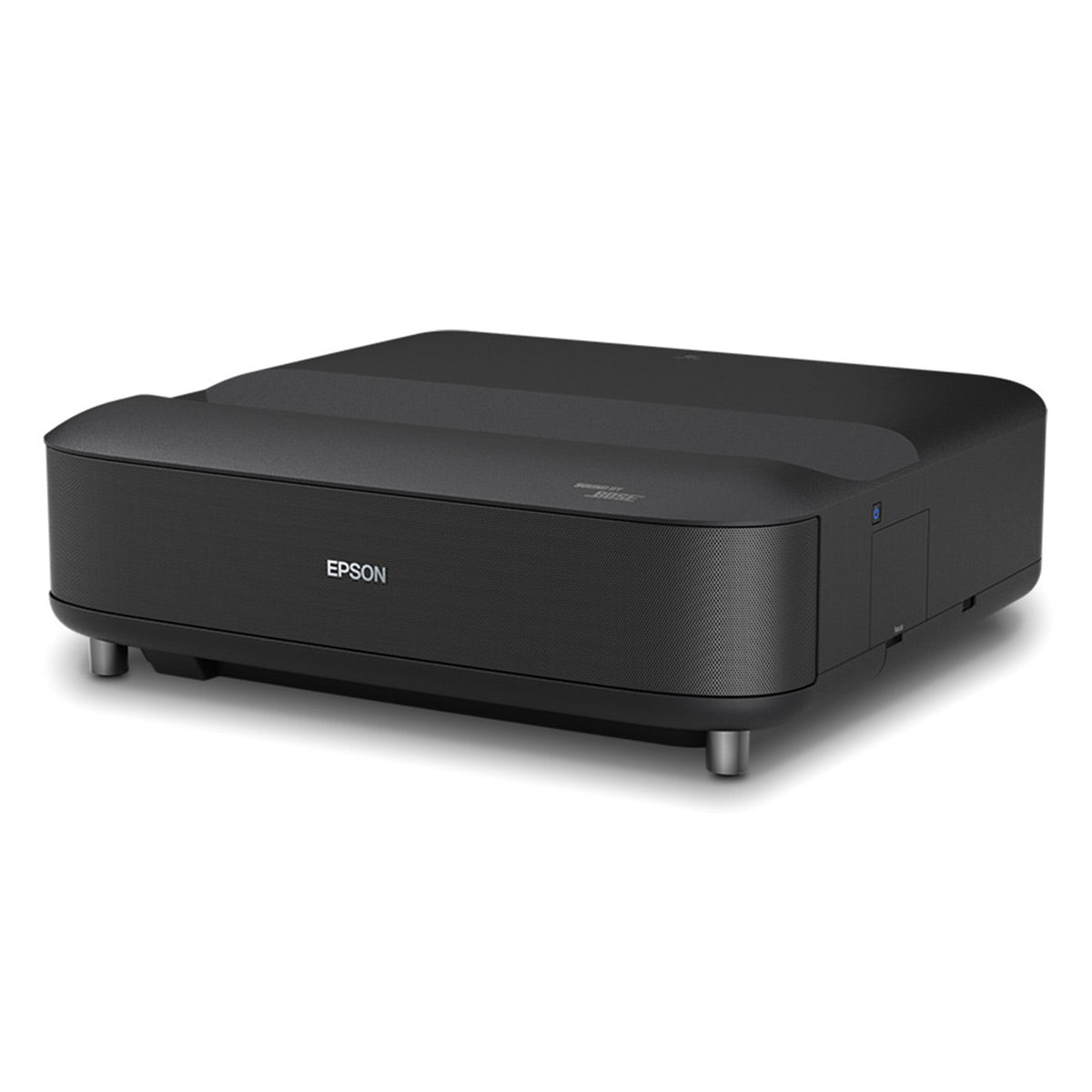
| Epson Lifestudio Grand LS670 | 4K PRO-UHD, 3,600 lumens, 0.26:1 throw, image up to 120 inches | Google TV; Bose-engineered 2.1-channel sound | $2,699.99 | Balanced living-room system |
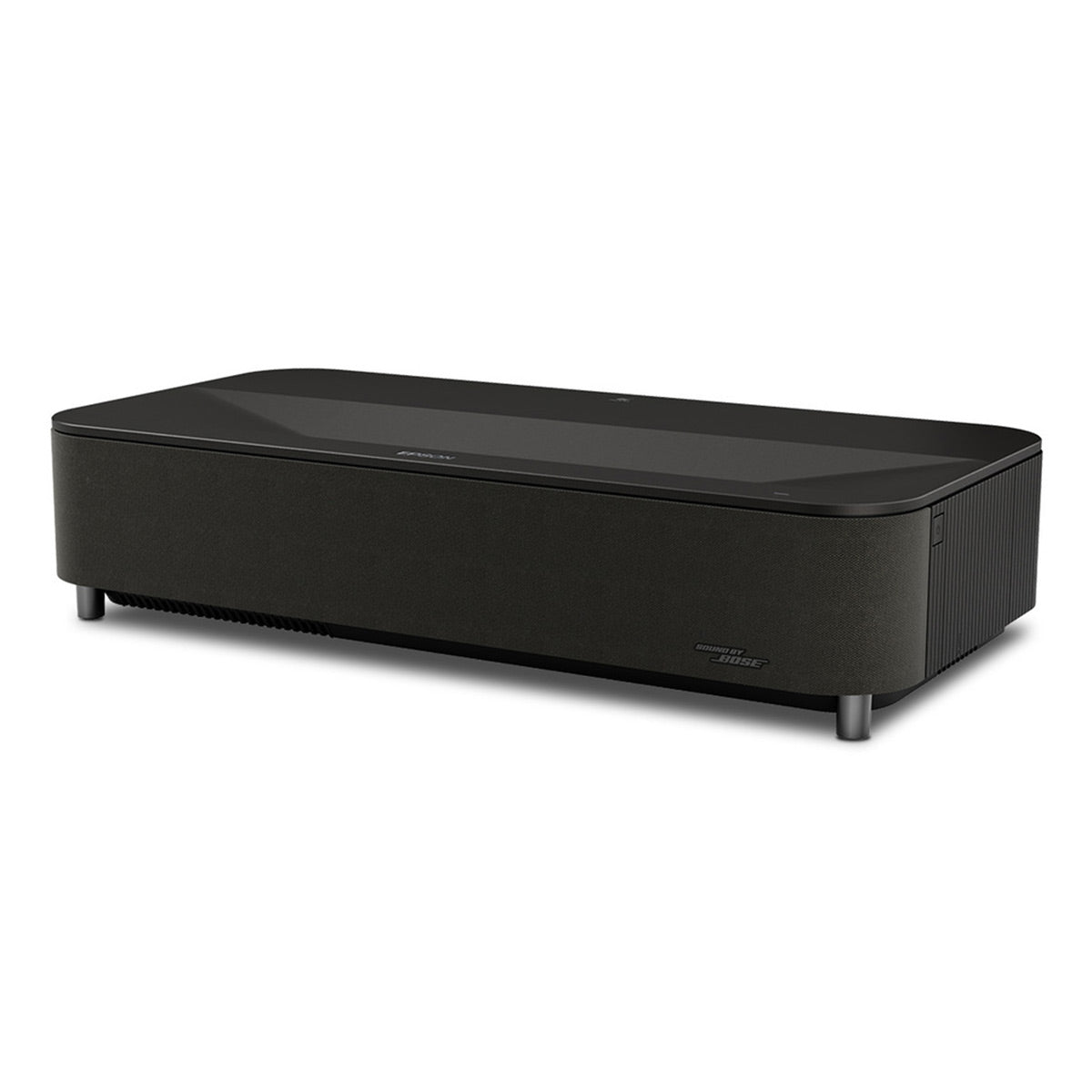
| Epson Lifestudio Grand Plus LS970 | Native 4K, 4,000 lumens, image up to 150 inches | Google TV; integrated Bose 2.1 soundbar | $3,799.99 | Native-4K flagship choice |
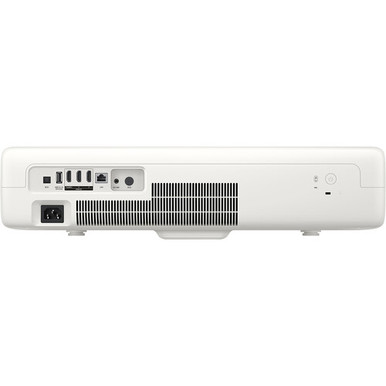
| Samsung The Premiere SP-LPU7D | UHD 4K, 2,500 lumens; 90 inches at 8.3 inches and up to 130 inches at 14.9 inches | Tizen OS, Gaming Hub, 30W 2.2-channel audio | $2,595.00 | Streaming and cloud gaming |
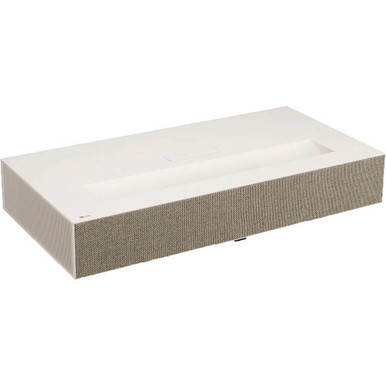
| LG CineBeam HU915QE | XPR 4K UHD, 3,700 lumens, 0.19:1 throw; 90- to 120-inch image | LG smart apps; built-in 40W 2.2-channel speakers | $4,500.75 | Bright-room smart theater |
| Epson EpiqVision Ultra LS800 | 4K PRO-UHD, 4,000 lumens, image up to 150 inches | Android TV; Yamaha 2.1-channel virtual surround | $2,295.00 | Large image at the lowest listed price here |
How to Choose the Best Ultra Short Throw Projector
Measure from the correct point
“Inches from the wall” is useful shorthand, but it is not a universal installation measurement. One manufacturer may describe the distance from the rear of the cabinet while another publishes throw distance from the lens. Cabinet depth also matters because the front edge can extend much farther into the room. Use the installation diagram for your exact model and chosen image size before buying a media console. The Samsung listing, for example, specifies a 90-inch picture at 8.3 inches and a 130-inch maximum at 14.9 inches; the LG listing states a 100-inch picture at 3.9 inches with its 0.19:1 throw ratio.
Understand the 4K language
An ultra short throw 4K model may use native imaging panels or resolution-enhancement technology to put a 4K-class image on screen. The Epson LS970 listing specifically states native 3840 x 2160 resolution and 8.3 million pixels. The LS670 and LS800 are described as 4K PRO-UHD, while the LG HU915QE uses XPR pixel shifting for up to 3840 x 2160 on-screen resolution. All can serve a 4K source, but the distinction matters if native panel resolution is a priority. Do not reduce the decision to the “4K” label alone; viewing distance, screen quality, focus uniformity, processing, and content quality all affect what you see.
Match brightness to light control, not just room size
Brightness helps preserve a watchable image when lamps or daylight are present, but even a high-output projector cannot make direct light falling on the screen disappear. The verified outputs in this group range from 2,500 lumens for the Samsung to 4,000 lumens for the Epson LS970 and LS800. Treat those figures as one part of the room plan. Window coverings, screen material, image size, and wall reflections can be just as important. A larger picture spreads the available light over more area, so maximum size is not automatically the best everyday setting.
Plan for the screen and flatness
A UST beam reaches the surface at a steep angle. That geometry makes wall imperfections more obvious than they would be with a conventional projector. A taut, properly installed screen is the safest path to straight edges and consistent focus. If you want daytime viewing, consider a screen designed specifically for light arriving from below; a generic ambient-light-rejecting screen may reject the projector’s light along with room light. Confirm the screen’s viewing direction and compatible throw type before ordering.
Decide whether built-in sound is enough
These models are closer to all-in-one displays than many traditional projectors. The LS670 and LS970 pair 2.1-channel systems with Bose engineering, the LS800 has a Yamaha 2.1-channel virtual-surround system, the Samsung lists 30W 2.2-channel audio, and the LG lists 40W 2.2-channel speakers. That can simplify a living room. It does not guarantee the channel separation or bass of a dedicated system. If you plan to add external audio, confirm the needed connection and leave room in the cabinet plan.
Check apps, inputs, and gaming needs
Built-in streaming can reduce boxes and remotes, but app availability and platform preference still matter. The Epson LS670 and LS970 use Google TV, the LS800 lists Android TV, Samsung uses Tizen with Gaming Hub, and LG provides its own smart apps. For external devices, count HDMI inputs after reserving any port needed for audio return. The LS800 listing confirms three HDMI inputs and support for 4K/60 Hz or 1080p/120 Hz gaming. The Samsung includes Gaming Hub, but its product copy does not state a numeric input-lag result, so competitive players should not infer one from the gaming interface alone.
Honest Tradeoffs Before You Buy
-
Easy cable routing does not mean careless setup. Alignment is precise, and the console must resist movement after installation.
-
A large image magnifies flaws. Wall waves, poor focus, low-quality streams, and compression artifacts become easier to see.
-
Daytime performance costs more than the projector. Good shades and a compatible UST screen may be necessary for the result you expect.
-
Smart features can overlap. If you already use a preferred streaming box and sound system, built-in apps and speakers may carry less value.
-
Maximum image size is a limit, not a target. Choose the size that fits seating distance, screen brightness, and the physical wall.
Who Should Buy What?
Choose the Epson LS670 if you want a balanced Google TV system with a verified 120-inch maximum and integrated Bose-engineered sound. Step up to the LS970 when native 4K, 4,000-lumen output, and a 150-inch maximum are worth the higher price. The Samsung SP-LPU7D best suits a household invested in Samsung’s smart platform or interested in console-free cloud gaming. The LG HU915QE is the strongest fit here when you want a very short 0.19:1 throw, 3,700-lumen output, and broad built-in streaming. The LS800 is the value verdict among these five: its verified price is lowest, yet the listing includes 4,000 lumens, up to 150 inches, Android TV, and Yamaha audio.
If your room dimensions are awkward, contact AudioVideoNation’s pre-sales team with the desired image size, wall width, console depth, and lighting conditions. That information is more useful than asking for the best ultra short throw projector in the abstract, and nationwide shipping is available once you have confirmed the fit.
Ultra Short Throw Projector FAQ
Do I need a special screen for a UST projector?
No screen is strictly required for an image to appear, but a flat screen usually improves geometry and focus. In rooms with ambient light, a screen designed for ultra-short-throw light paths can also improve perceived contrast. Verify that the screen is UST-compatible rather than assuming any light-rejecting material will work.
Can an ultra short throw projector replace a TV in daylight?
It can be a practical large-format display in a multipurpose room, especially with light control and the right screen. It will not behave exactly like a bright direct-view TV when sunlight strikes the image surface. Judge the room’s windows and lighting before choosing image size.
How far does a UST projector sit from the wall?
The distance varies by model and image size. In this comparison, Samsung publishes 8.3 inches for 90 inches and 14.9 inches for 130 inches, while LG publishes 3.9 inches for a 100-inch image. Always check whether a measurement starts at the lens or cabinet.
Is every ultra short throw 4K projector native 4K?
No. The LS970 listing specifies native 4K, while other models here use terms such as 4K PRO-UHD or XPR 4K UHD. Those approaches can display detailed 4K-class images, but buyers who require native imaging resolution should verify that exact specification.
Can I place a UST projector on any media console?
Not safely. The console must have enough depth, the correct height for the screen, ventilation clearance, and a stable top. Calculate the projector body depth plus its required wall offset before buying furniture, and keep the surface from being bumped after alignment.