

Gaming Projector Buying Guide: Speed, 4K, and Room Fit
A gaming projector should be chosen by the signal you will actually play, not by the smallest latency number on the box. A projector may achieve its fastest response at 1080p and a high refresh rate while taking longer at 4K/60 Hz. Console players should verify the 4K mode they expect to use; PC players should check whether their graphics hardware can sustain the resolution and refresh rate tied to the advertised result. Then consider throw distance, brightness, lens flexibility, and sound. A fast projector that cannot fit the room is still the wrong projector.
Input lag is the delay between a source action and its visible result. Lower is better for timing-sensitive shooters, fighting games, rhythm games, and racing. Cinematic role-playing and strategy games are generally less demanding, so image quality or installation flexibility may matter more. Image processing can add delay, which is why a dedicated game or low-latency mode matters. Motion smoothing is not a substitute for a high-refresh input and may be disabled in the fastest mode.
You can compare the wider projector catalog for models outside this gaming shortlist. Buyers weighing an accessible Epson against a brighter home-cinema alternative should also read the Epson Home Cinema 2350 vs. 3800 comparison.
Five In-Stock Projectors Compared for Gaming
Each product below was published and marked in stock when researched. Prices are the verified catalog prices at draft time and can change. Latency figures appear only where the product record states a number; “low latency” without a number is kept qualitative.
| Product | Verified gaming signal or latency | Verified picture and installation facts | Price | Best for |
|---|---|---|---|---|
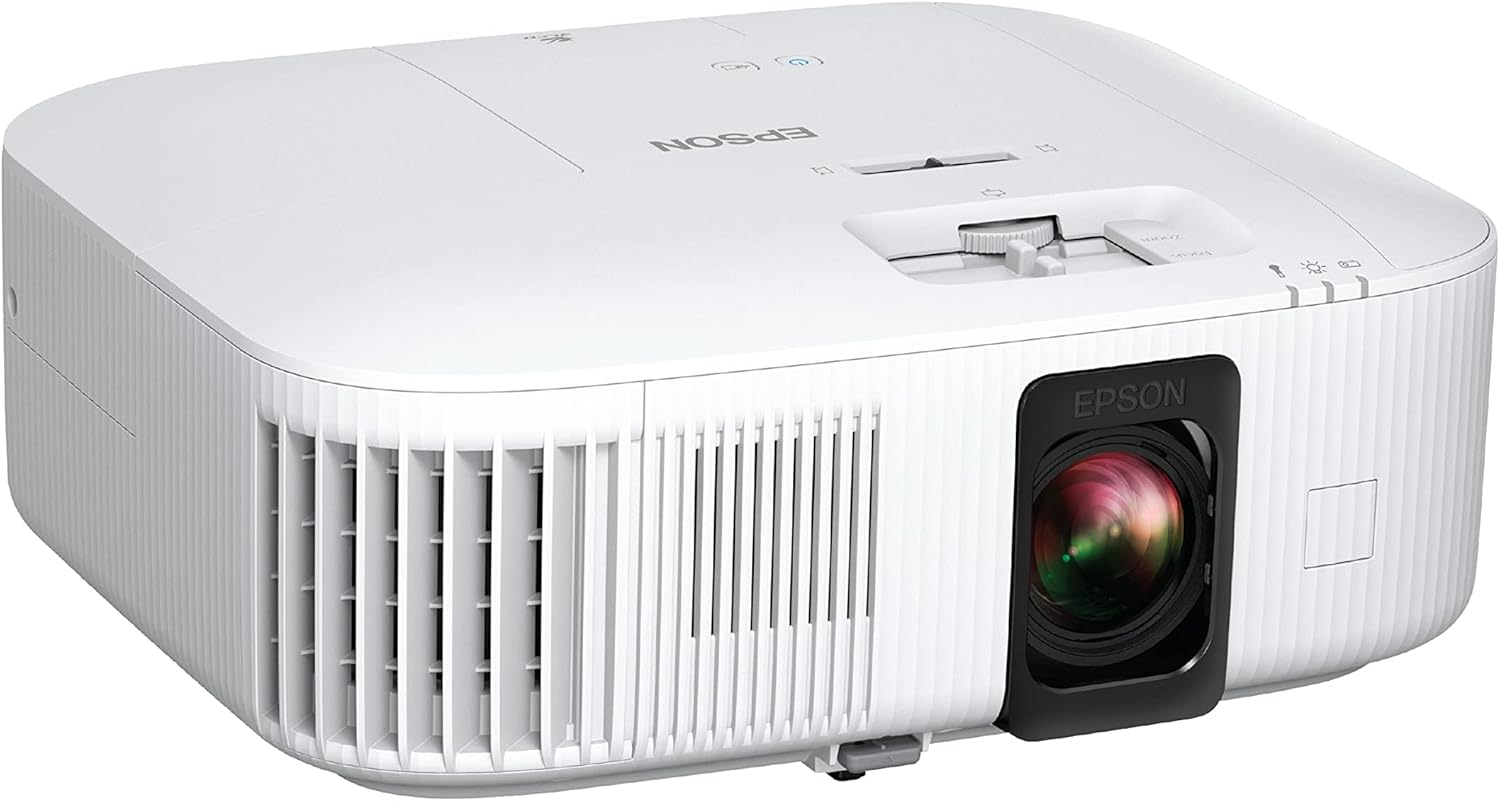
| Epson Home Cinema 2350 | Under 20 ms in its dedicated gaming mode | 4K PRO-UHD, 2,800 lumens, HDR10/HLG, Android TV | $999.99 | Affordable all-in-one setup |
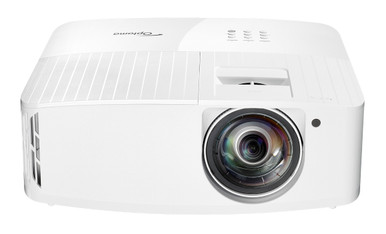
| Optoma 4K400STx | 4.2 ms at 1080p/240 Hz when connected to a PC | True 4K UHD, 4,000 lumens, 0.5:1 short throw, dual HDMI | $2,095.00 | High-refresh PC play in a shallow room |
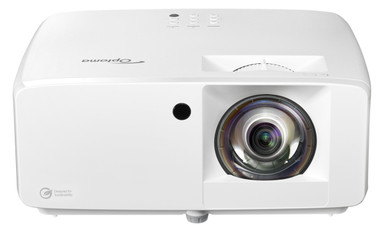
| Optoma UHZ35ST | 4.4 ms at 1080p/240 Hz; 17 ms at 4K/60 Hz | True 4K UHD laser, 3,500 lumens, 0.496:1 short throw, HDR/HLG | $2,095.00 | Fast 4K/60 and high-refresh flexibility |
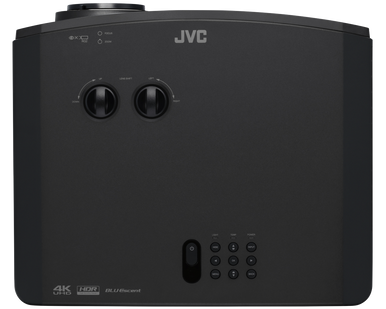
| JVC LX-NZ30B | Low-latency mode and 1080p/240 Hz input; no numeric lag stated | 3840 x 2160, 3,300 lumens, HDR10/HLG, 1.6x zoom and lens shift | $3,649.00 | Gaming and theater in one installed system |
| Sony VPL-XW5000ES | Under 21 ms at 4K/60 Hz; under 13 ms at Full HD/120 Hz | Native 4K SXRD laser, 2,000 lumens, Motionflow with a separate True Theatre mode | $5,795.00 | Premium native-4K theater gaming |
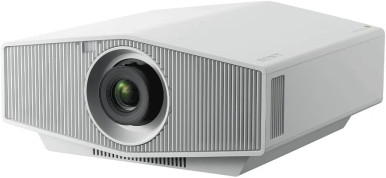
How to Choose the Best Gaming Projector
Compare latency at the correct resolution and refresh rate
The Optoma 4K400STx’s 4.2 ms figure is tied to 1080p/240 Hz and a PC connection. The UHZ35ST provides two useful reference points: 4.4 ms at 1080p/240 Hz and 17 ms at 4K/60 Hz. Sony states under 21 ms at 4K/60 Hz and under 13 ms at Full HD/120 Hz. Epson states under 20 ms in the Home Cinema 2350 gaming mode but does not tie that claim to a refresh rate in the catalog copy. Those conditions prevent a simple smallest-number-wins ranking. Compare the mode supported by both your source and projector.
Know what your console or PC can output
A 240 Hz projector mode is valuable only when the source can send a compatible 1080p/240 Hz signal. Current consoles and gaming PCs have different output menus, cable requirements, and frame-rate capabilities. A game also needs to render quickly enough to benefit. For 4K console play, the UHZ35ST and Sony provide explicit 4K/60 latency results in their product records. If 120 Hz matters, Sony documents Full HD/120 Hz, while the JVC documents 1080p/240 Hz input support but gives no exact latency measurement.
Choose 4K technology for your content and budget
A 4K gaming projector may use native 4K imaging or a resolution-enhancement method. Sony’s VPL-XW5000ES listing describes native 4K SXRD. The Epson 2350 is 4K PRO-UHD. The two Optoma models are described as True 4K UHD, while the JVC lists 3840 x 2160 and second-generation XPR DMD technology. Native resolution is not the only predictor of a satisfying image, but the distinction is worth understanding when comparing prices. Large interface text, fine environmental detail, seating distance, and screen size influence how visible the difference will be.
Fit the throw to the room
Short throw solves a different problem from ultra short throw. The Optoma 4K400STx uses a 0.5:1 throw ratio and is described as producing a 100-inch image from just over three feet. The UHZ35ST has a 0.496:1 short-throw ratio. That can keep the projector in front of players and reduce beam shadows, but placement remains farther from the wall than a console-style UST model. The JVC’s 1.36:1 to 2.18:1 throw range, 1.6x zoom, and horizontal and vertical lens shift make it more suited to a conventional rear-room or ceiling installation. Calculate before buying; digital correction should not rescue a badly chosen mounting position.
Use brightness numbers as room-planning inputs
The verified brightness figures range from 2,000 lumens for the Sony to 4,000 for the Optoma 4K400STx. That does not make the brightest number universally best. Image size, screen gain, ambient light, picture mode, and color accuracy affect the result. A competitive setup in a multipurpose room may favor more output, while a light-controlled theater can prioritize black level and image character. Keep direct light off the screen and remember that expanding the picture spreads light over a larger area.
Budget for sound and connectivity
The Home Cinema 2350 has Android TV, a 10W speaker, Bluetooth audio output, and HDMI with eARC support, making it the most self-contained choice in this group. The 4K400STx offers dual HDMI, audio connections, USB power, a 12V trigger, and RS-232. The JVC includes two HDMI inputs plus DisplayPort, USB-C, USB-A, LAN, RS-232, and a 12V trigger. Inputs matter when you have a console, PC, streaming device, and audio system. Confirm the exact signal path because a receiver, switch, capture device, or long cable can limit the resolution and refresh rate reaching the projector.
Projector for Gaming Input Lag: Common Mistakes
-
Quoting latency without its signal. A 1080p/240 Hz result does not prove the same delay at 4K/60 Hz.
-
Leaving cinema processing enabled. Select the documented gaming or low-latency mode before judging responsiveness.
-
Assuming refresh rate equals frame rate. The source, game, and graphics hardware must all deliver the intended frame rate.
-
Ignoring throw distance. A fast model can create shadows, block a walkway, or miss the desired image size if its lens does not fit the room.
-
Spending everything on the projector. Reserve budget for a screen, suitable cables, audio, mounting, and light control.
Who Should Buy What?
The Epson Home Cinema 2350 is the value pick for casual-to-enthusiast players who want 4K PRO-UHD, smart streaming, a speaker, and documented sub-20 ms gaming mode for under the other options here. Choose the Optoma 4K400STx when a 0.5:1 short throw, 4,000-lumen output, and 1080p/240 Hz PC play are the priorities. At the same verified price, the laser UHZ35ST is the more versatile performance verdict because its listing gives both 1080p/240 Hz and 4K/60 Hz latency figures.
The JVC LX-NZ30B suits a combined theater and gaming room where zoom, lens shift, HDR support, and broad connectivity matter more than having a published millisecond result. Choose the Sony VPL-XW5000ES when native 4K imaging and premium home-cinema use lead the decision, with documented low-lag options at 4K/60 and Full HD/120. AudioVideoNation can help verify room measurements and signal requirements before purchase, and ships nationwide.
Gaming Projector FAQ
What input lag is good for a gaming projector?
It depends on the game and player. Results around one frame at 60 Hz are responsive for many people, while highly competitive play benefits from lower delay and higher refresh. Always match the quoted result to its tested resolution and refresh rate instead of comparing isolated milliseconds.
Do I need a 4K gaming projector for a current console?
No, but 4K can make fine detail and text look cleaner on a large screen. A responsive 1080p mode may be preferable for games where frame rate matters more than resolution. Several models here let you choose between a higher-refresh Full HD signal and 4K/60.
Is 240 Hz useful for console gaming?
Only if the console and game can output a matching signal, which should be checked for your system. The 240 Hz modes documented for the Optoma and JVC products are especially relevant to capable gaming PCs. They should not be assumed to make every console title run at 240 frames per second.
Can I use a gaming projector in a bright room?
Yes, with realistic expectations. More projector output, a sensible image size, a suitable screen, and control over windows and room lights all help. Avoid direct light on the image surface. Competitive daytime use may call for a different room setup than cinematic play at night.
Does a receiver or HDMI switch affect gaming performance?
It can affect signal compatibility and may add processing. Every device and cable in the chain must pass the desired resolution, HDR format, and refresh rate. For troubleshooting, connect the source directly to the projector, enable its low-latency mode, and then add other equipment back one piece at a time.